For print shops and copy centers
Join Tiskárník. Local customers, your price list, your call
Tiskárník sends you customers who want to print with you. You set the prices and confirm the orders, and once a week we pay you out with a clear statement. A fair 5% commission on completed orders only, no monthly fees—and signing up takes just a few minutes.
Create a free accountHow to join
-
Create your account and profile
Sign up, add your business name and details—and your profile is live. It works just as well for a large copy center as for a small shop with a single branch.
-
Set up your price list and branches
Choose the papers you offer, set your printing prices, and add your branches with their pickup hours. Once the price list is complete, the branch shows up in the listings—customers never see it before then.
-
Start taking orders
New orders land in your order overview: confirm, print, mark as ready. The customer picks up the prints—either already paid by bank transfer in advance, or paying you in cash or by card, which we count in your payout statement.
What you get
A dashboard that keeps you in control
The price list is all yours. Set paper prices by format, type and weight, and printing prices by color and single- or double-sided—including volume discounts from any page count you choose, or different prices for larger formats. We calculate customer prices from your list automatically, so nobody has to ask.
All your branches in one place. Each branch has its own address, pickup hours and contact details, plus optional exceptions to the price list—say, when one branch is out of glossy paper. Delivery is optional: in-person pickup is enough, and if you want, you can add parcel lockers or a courier at your own price.
Day to day
Orders and customers in one place
From a customer’s first message to your weekly payout, the dashboard keeps track of what’s happening so you can focus on printing.
Live orders
New order? You’ll know right away
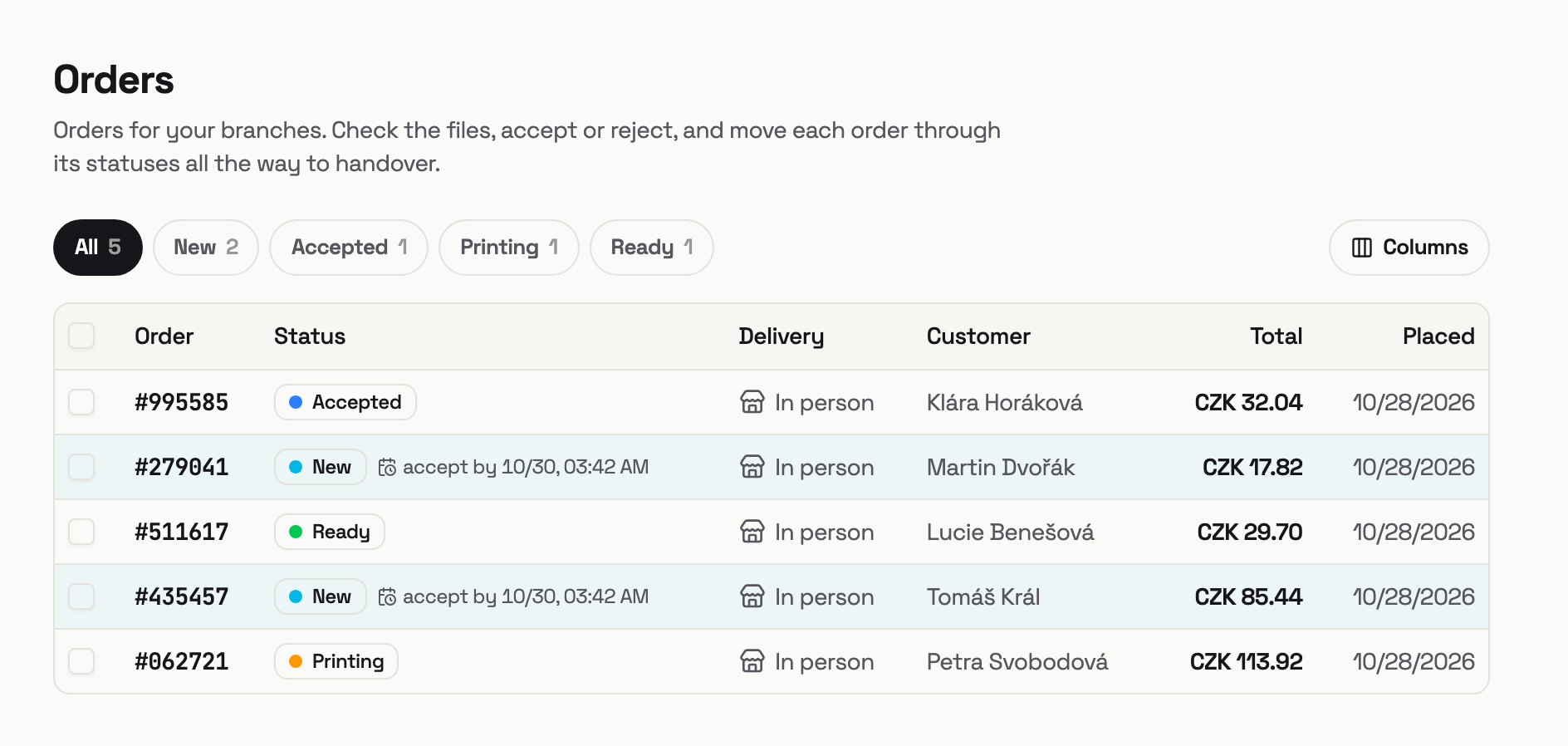
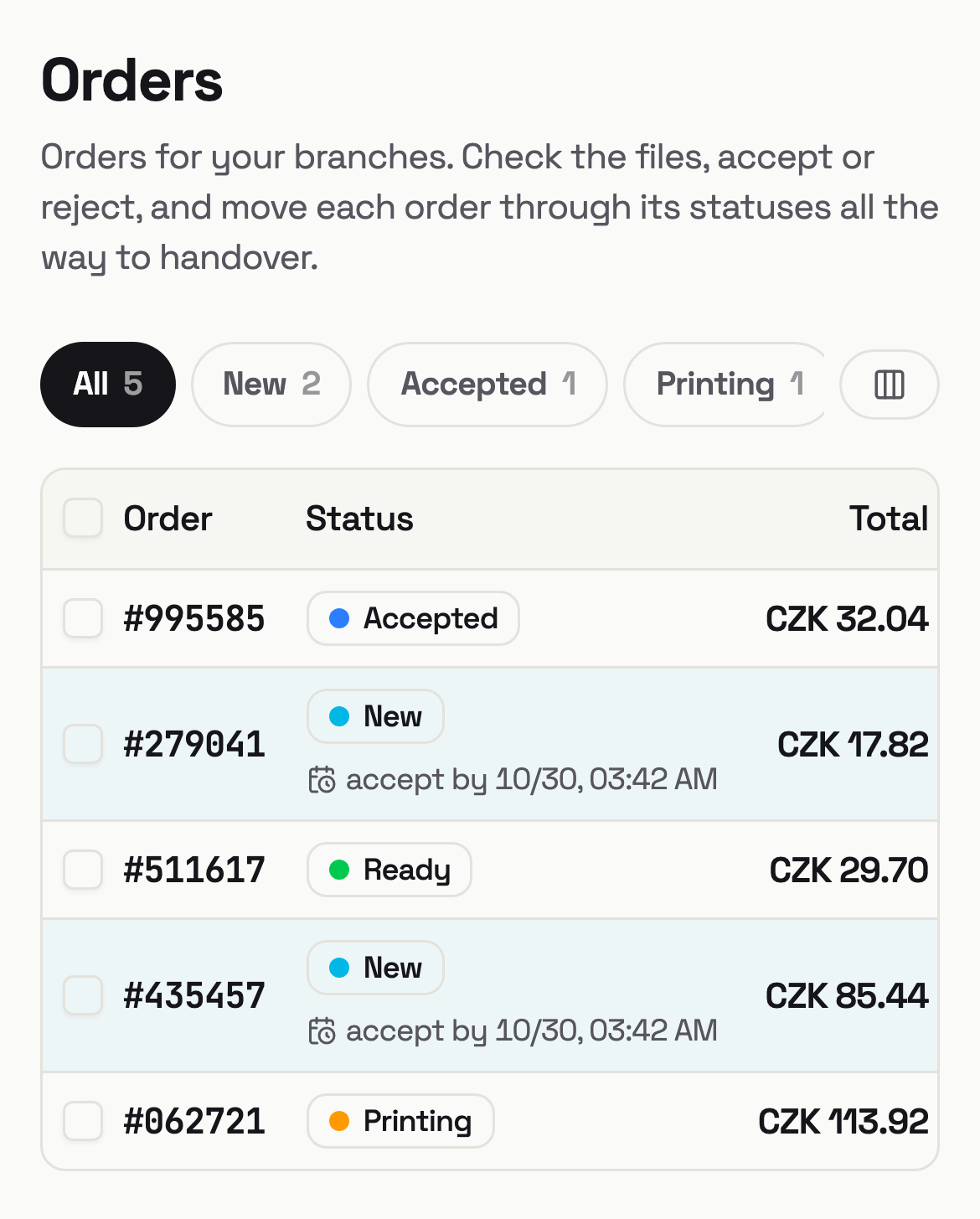
While your dashboard is open, new orders pop up in the list on their own with a sound alert—no refreshing. They come with the price already calculated and the files ready to download through secure links. You have 48 hours from the moment the customer places an order to accept or decline it; if you do neither, it cancels automatically. The customer sees the status the whole time.
Messages
Talk to customers right next to the order
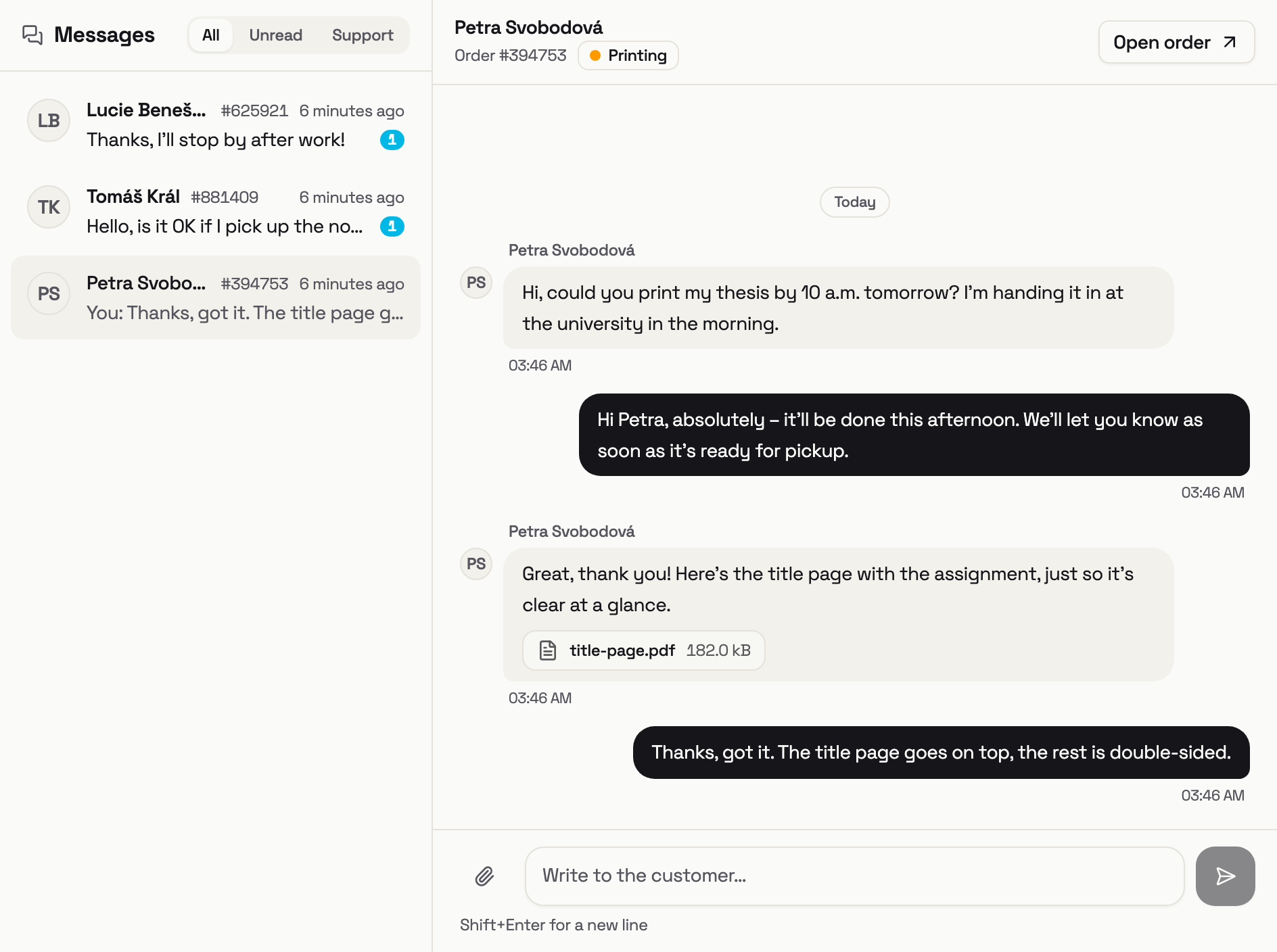
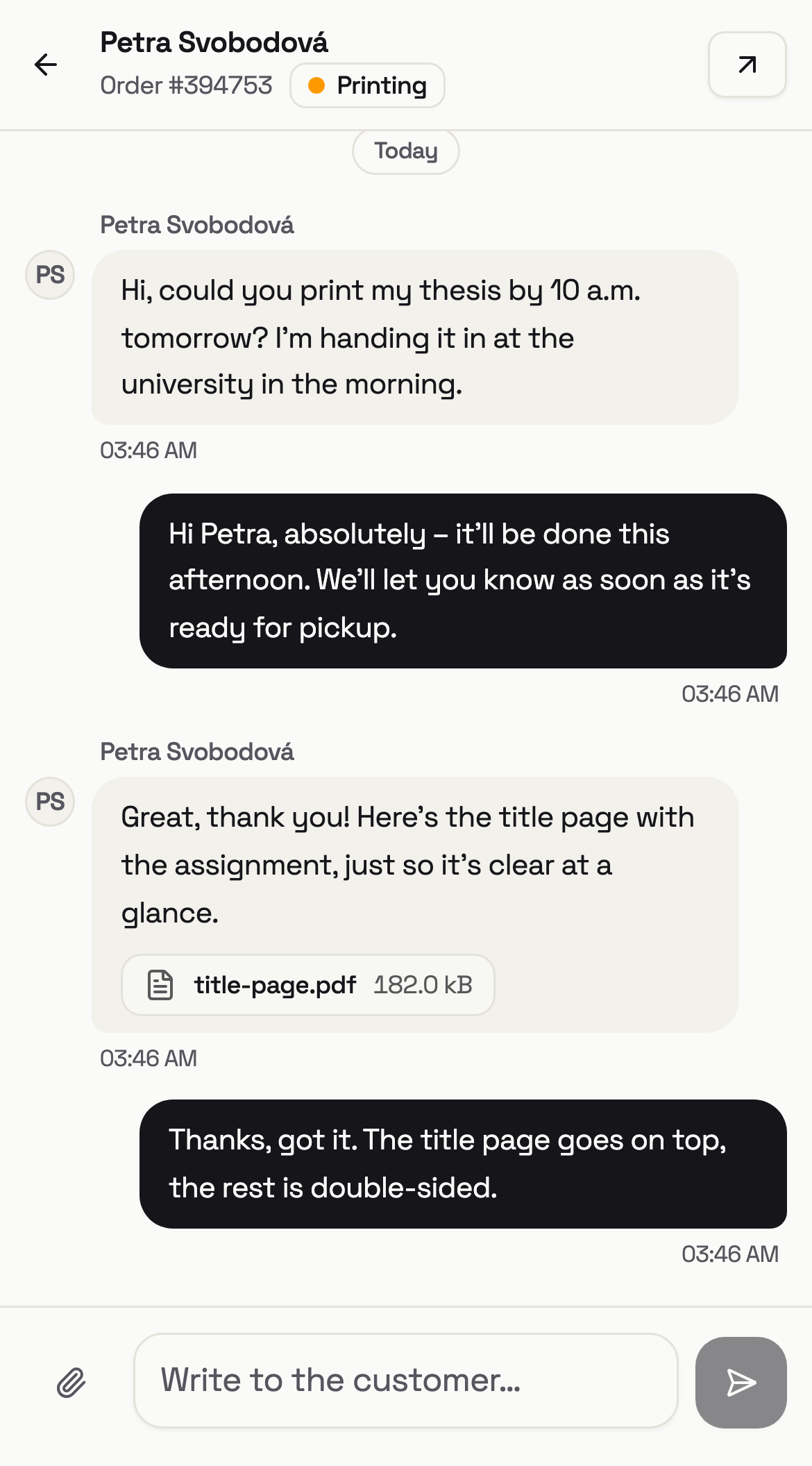
Customers message you from their order page, and you reply from the chat window in the corner of any dashboard page or from the full inbox. New messages arrive with a soft sound and a preview—and if you don’t get to one, we email it to you so you can reply straight from your inbox. Photos and PDFs go both ways.
-
Packeta shipments
Create a shipment for an order in one click—with your own Packeta (Zásilkovna) account or through Tiskárník’s. Drop the parcel off with just the drop-off code or download the label, and the delivery status updates on the order by itself.
-
MagicPrint
A small box for your printer that prints confirmed orders by itself—exactly as ordered, with a cover page.
How MagicPrint works -
Verified reviews
Only customers with a completed order can leave a review. Reviews show up on your branch page, and you can reply publicly to each one once.
-
Paid every week
Once a week we send you the money for completed orders with a clear statement. It’s self-billing, so there are no invoices for you to write.
What it costs
A fair 5%. Nothing else
Tiskárník takes a 5% commission on every completed order. No monthly fees, no setup costs, and canceled or declined orders don't count—you only pay when you're actually earning.
Tiskárník is the seller to the customer: it uses the prices from your price list with no markup and collects customer payments on your behalf—advance bank transfers and Zásilkovna cash on delivery go to Tiskárník's account. We pay you once a week with a clear statement (self-billing), minus the commission; a completed order is included after a short holding period. Cash and card payments you take at your branch (and cash on delivery when you ship through your own Zásilkovna account) are counted in the statement—if they exceed what we owe you, you transfer the difference as shown on the statement.
- branches and Points already in the network
- 25
- delivery to a locker or your door
- All of Czechia
- fair commission, on completed orders only
- 5%
- in monthly fees and setup costs
- 0 Kč
FAQ
What print shops ask us
Who can join?
How soon can I start?
Do I have to offer delivery?
What if I can't print an order?
How do customers pay?
Can I change my prices anytime?
Join the network
So, shall we print together?
Signing up takes a few minutes and costs you nothing. If you'd like to talk anything through first, drop us a line—we're happy to help you set up your price list, too.